
Losing cryptocurrency is not always the result of a sophisticated hack. In many cases, the failure happens earlier: a user trusts the wrong message, exposes a recovery phrase, approves the wrong transaction, or uses weak account security.
That distinction matters because different threats require different defenses. A hardware wallet can protect private keys from many online attacks, but it cannot decide whether you are approving the correct transaction. Strong MFA can protect an exchange account, but it cannot recover a recovery phrase that has already been exposed.
This guide focuses on six recurring security mistakes and, more importantly, what you can do about each one. The goal is not to make cryptocurrency sound dangerous. The goal is to make self-custody more understandable and manageable.
Why Crypto Losses Often Start With a Human Decision
Blockchain networks can be extremely difficult to reverse once a transaction has been confirmed. That changes the consequences of mistakes compared with many traditional online services.
A fraudulent transaction may begin with something that looks harmless: a support message, a website asking you to reconnect a wallet, a browser extension, an urgent notification, or a request to approve a transaction.
Modern scams increasingly combine social engineering with technical tools. Chainalysis reported that cryptocurrency scams received at least $14 billion on-chain in 2025, with the figure potentially exceeding $17 billion as more illicit addresses are identified. Its research also found that impersonation tactics grew sharply and that scams linked to AI vendors were substantially more profitable on average. 2
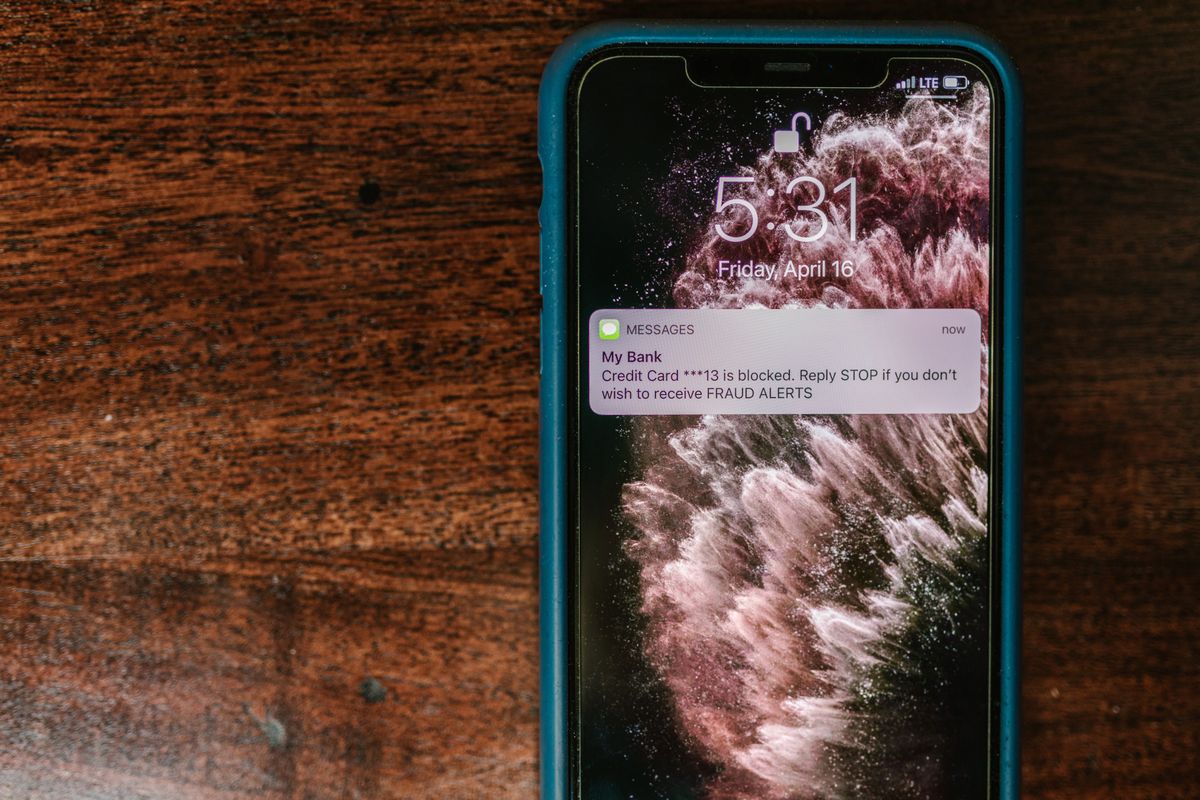
1. You Trust a Message Before Verifying It
Phishing remains dangerous because the attacker does not necessarily need to break the wallet. The attacker may only need to convince the owner to reveal information, sign something, install software or send funds.
How the mistake happens
A message may claim that an account needs verification, a transaction has failed, a wallet is compromised, or a security update is required. The message can imitate a company, exchange, wallet provider or even a person you know.
The strongest psychological tool is often urgency. The victim is encouraged to act before checking whether the request is genuine.
What to do instead
- Do not use links from unexpected crypto messages. Open the official website or application independently.
- Never give a recovery phrase to support. A legitimate support representative should not need your wallet backup.
- Verify the domain. Look carefully for misspellings and fake domains.
- Ignore unsolicited recovery offers. Anyone promising to recover lost crypto in exchange for an upfront payment deserves extreme suspicion.
- Stop when someone creates artificial urgency. Time pressure is a reason to verify more carefully, not less.

2. You Expose Your Recovery Phrase
The recovery phrase is fundamentally different from an ordinary password. It can represent the backup needed to restore access to a wallet and its accounts. That makes protecting it one of the most important responsibilities in self-custody.
The dangerous assumption is that a recovery phrase is safe simply because it is hidden behind another password or stored in a private cloud account. A digital copy creates another place where the backup can potentially be exposed.
Common exposure points
- Photos or screenshots on a smartphone.
- Cloud photo synchronization.
- Email messages or notes.
- Computer documents.
- Messaging applications.
- Untrusted websites asking you to “verify” the phrase.
- People who were given access to the backup.
Ledger's current security guidance specifically recommends keeping the recovery phrase private and not storing it on a computer or smartphone. 3
A better backup strategy
- Generate the wallet backup through the wallet's legitimate setup process.
- Write the words down carefully and preserve their exact order.
- Keep the backup offline and protected from unauthorized access.
- Consider a durable physical backup where appropriate for your situation.
- Never type the complete phrase into a random website, form or support chat.
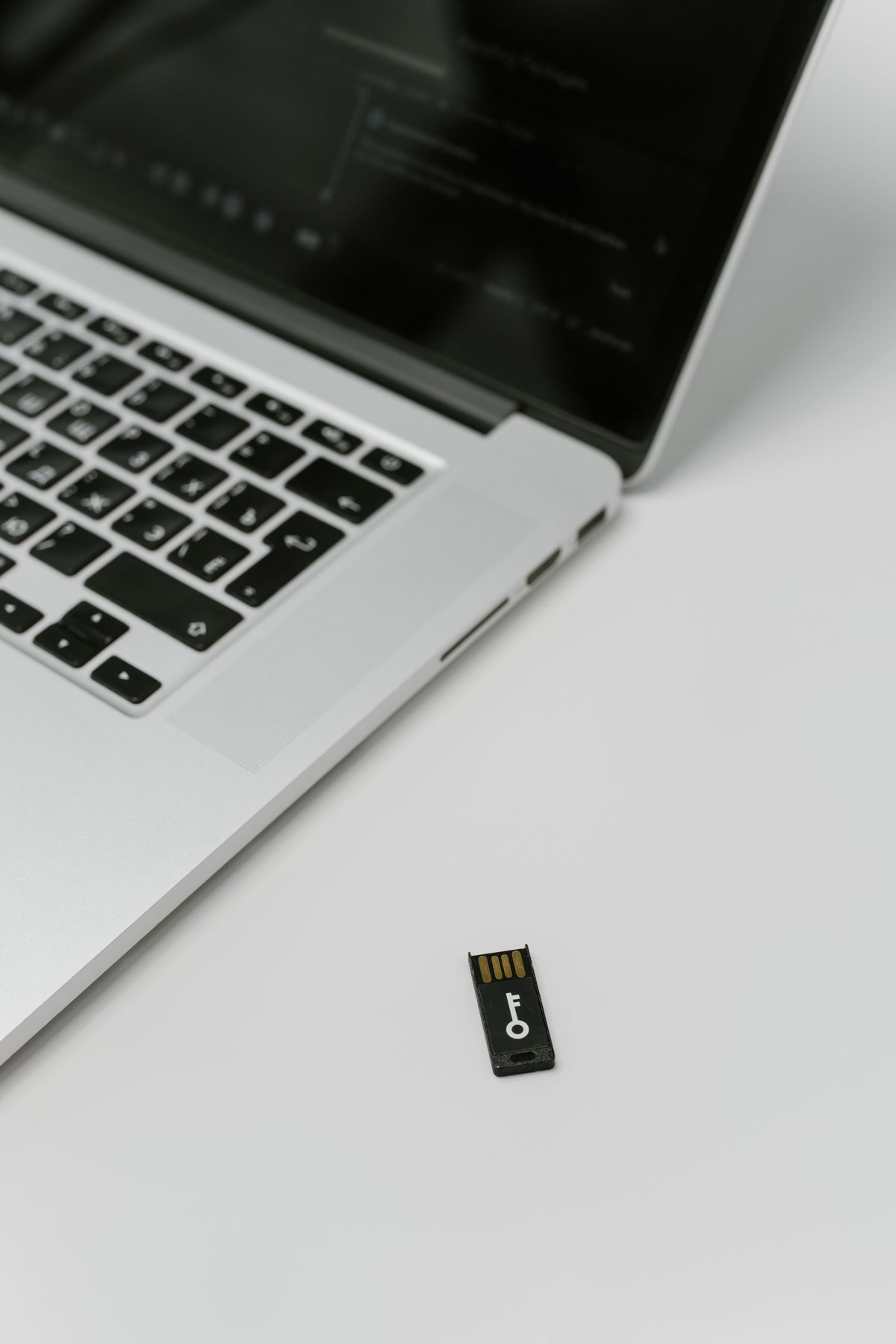
3. You Treat a Hardware Wallet Like a Magic Shield
A hardware wallet is a security tool, not a guarantee that every action involving your cryptocurrency will be safe.
Its main security value is that private-key operations can be isolated from the general-purpose computer or smartphone you use to interact with cryptocurrency. But the user still controls what is approved.
What a hardware wallet can help with
- Keeping sensitive key material away from ordinary computer storage.
- Requiring physical confirmation for important operations.
- Showing transaction information on a device designed for verification.
- Providing a recovery mechanism when the device is lost or replaced, provided the backup remains secure.
What it cannot automatically prevent
- Phishing websites convincing you to connect your wallet.
- You approving a malicious smart-contract interaction.
- You sending funds to the wrong address.
- A compromised recovery phrase being used elsewhere.
- Poor physical security of the recovery backup.
- Unsafe software or websites influencing your decisions.
Trezor's security documentation, for example, emphasizes checking the device's own security signals and only trusting properly signed firmware during setup. 4
Security Starts Before You Sign Anything
The most useful habit is to separate the security of the device from the security of the decision you are making with that device.
If a website tells you to approve a transaction, do not automatically assume that the hardware wallet makes the transaction legitimate. Read what the device shows, understand the action and verify the important details before confirming.
This becomes particularly important with decentralized applications, token approvals and other smart-contract interactions, where a transaction can have consequences that are not obvious from the website interface.
- Who is asking me to do this?
- What exactly am I authorizing?
- Can I independently verify the request?
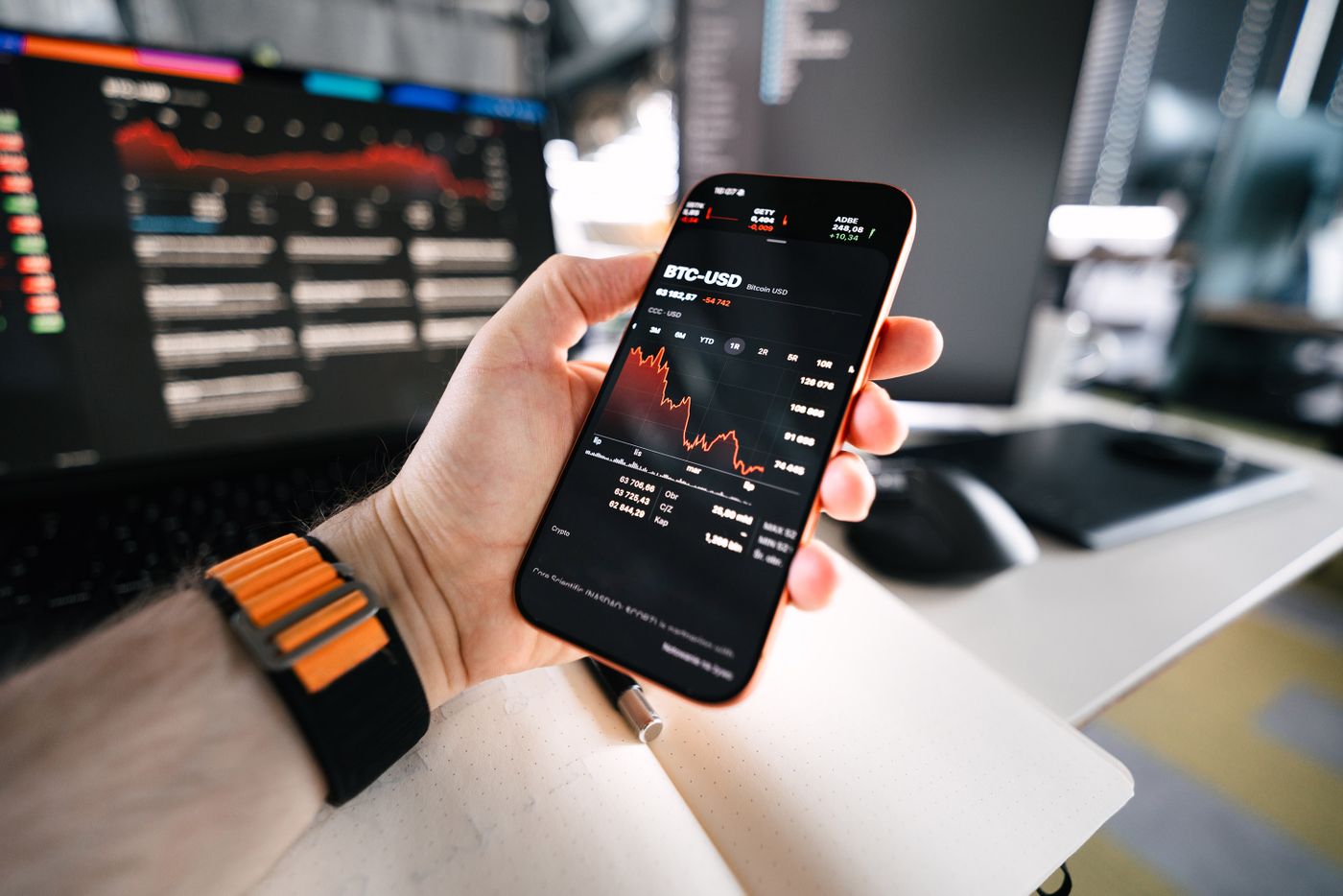
4. You Make Security Decisions Under Pressure
Not every crypto loss is a technical attack. Some losses happen because a person makes a financial or operational decision while stressed, rushed or afraid of missing an opportunity.
Market volatility can amplify this problem. A falling price may create panic. A rapidly rising asset may create FOMO. A message claiming that an account will be frozen may create urgency.
The underlying problem is similar: pressure reduces the amount of verification people are willing to perform.
Separate investment decisions from security decisions
Whether an asset will rise or fall is a financial question. Whether a transaction, website or support request is legitimate is a security question. Mixing the two can lead to poor decisions.
| Situation | Better response |
|---|---|
| Price suddenly drops | Follow your predetermined financial plan rather than making an impulsive security change. |
| Someone says you must act immediately | Stop and independently verify the message. |
| A website asks you to sign | Understand the transaction before approving it. |
| A stranger promises guaranteed returns | Do not send funds based on the promise. |
A useful rule
Urgency is not evidence. A legitimate transaction remains legitimate after you take a few minutes to verify it. If a request depends on preventing you from thinking, that is itself a warning sign.
5. You Rely on Weak Account Security
Your cryptocurrency may depend on more than the wallet itself. Exchange accounts, email accounts and other services can become part of the attack path.
For example, an attacker who compromises the email account associated with an exchange may gain opportunities to reset passwords or interfere with account recovery.
MFA is useful, but not every MFA method is equally strong
CISA states that not all multifactor authentication methods provide the same level of protection. It identifies FIDO/WebAuthn as the widely available phishing-resistant approach and recommends stronger authentication over SMS where possible. 5
Authenticator applications can be a substantial improvement over passwords alone, but they can still be vulnerable to phishing. FIDO-based authentication is designed to resist phishing by binding authentication to the legitimate website origin.
Practical account hierarchy
- Use a unique password for every important account.
- Enable MFA wherever it is available.
- Prefer FIDO/WebAuthn or passkeys when supported and appropriate.
- Use an authenticator application when phishing-resistant authentication is unavailable.
- Treat SMS as a weaker fallback, rather than your preferred security layer.
- Secure the email account that can be used for account recovery.
Why “never use SMS” needs nuance
SMS-based MFA is weaker than phishing-resistant authentication and can be exposed to attacks involving phone numbers and telecommunications systems. CISA recommends moving away from SMS for highly sensitive accounts when stronger options are available. 6
However, using SMS can still provide additional protection compared with having no second factor at all. The correct lesson is not “MFA is useless unless it is FIDO.” The better lesson is to use the strongest practical method available.
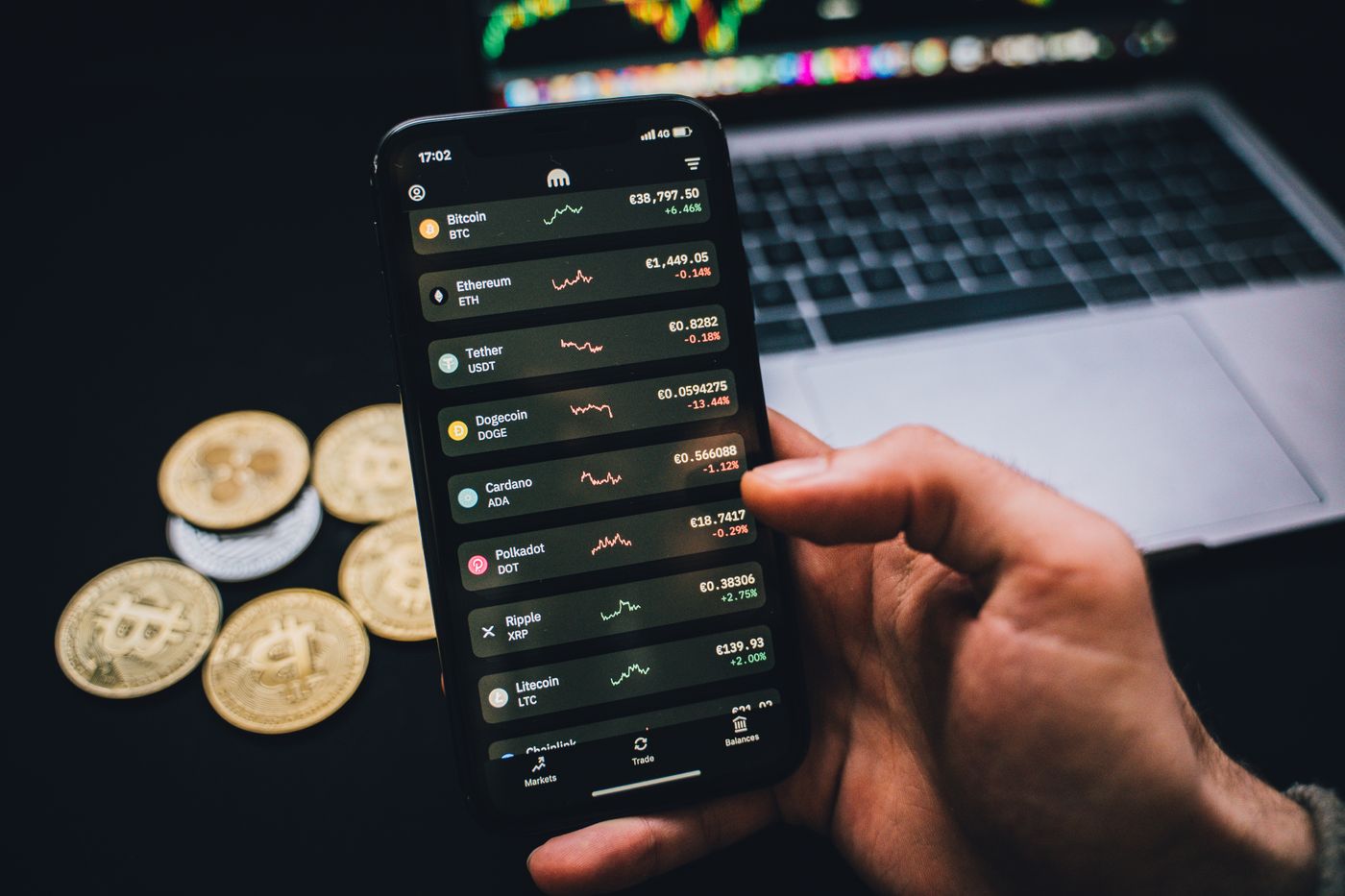
6. You Use Crypto Without Understanding the Operation
One of the most expensive mistakes in self-custody is approving something you do not understand.
You do not need to become a blockchain developer. But you should understand the basic difference between sending an asset, signing a message, approving a token, interacting with a smart contract and restoring a wallet from its backup.
Five concepts worth understanding
1. Recovery phrase
The backup material used by many wallets to restore access to accounts. It must
be treated as highly sensitive information.
2. Private key
Cryptographic material used to authorize transactions. A hardware wallet is
designed to protect private-key operations from ordinary computer environments.
3. Transaction
An instruction submitted to a blockchain. Once confirmed, reversing it may not
be possible.
4. Token approval
A smart-contract permission that can allow another contract or application to
interact with tokens under specified conditions.
5. Wallet address
A destination identifier used to receive assets. Different networks and assets
can use different address formats and compatibility requirements.
Learn before you sign
If you connect a wallet to a decentralized application and the transaction description is unclear, stop. Search the official documentation for the application, understand what permission is being requested and verify that you are using the legitimate domain.
Chainalysis has specifically documented approval phishing, where social engineering is used to persuade victims into granting permissions that can subsequently be used to drain assets. 7
Transaction Verification: The Habit That Prevents Many Mistakes
A browser can display information that is manipulated by malware, a malicious website or a compromised interface. That is why the wallet's own display is an important verification point.
But “check the hardware wallet screen” should not become another meaningless slogan. You need to know what you are checking.
- Verify the destination address.
- Verify the network when relevant.
- Check the amount.
- Understand whether you are sending, signing or granting permission.
- Stop if the device shows information that differs from what you expected.
Your Computer and Phone Are Part of Your Crypto Security Model
A hardware wallet does not make an infected computer irrelevant. The computer may still control the website interface, browser session or transaction-building process.
Your phone can also expose information through screenshots, cloud synchronization, malicious applications, notifications or account takeover.
Minimum device hygiene
- Keep the operating system updated.
- Install applications from trusted sources.
- Remove software and browser extensions you no longer need.
- Use a screen lock and strong device authentication.
- Avoid entering sensitive recovery information into general-purpose devices.
- Be cautious with remote-access software requested by strangers.
If You Think Something Is Wrong, Stop First
The worst response to a suspected compromise is often continuing to click, approve and experiment without understanding what is happening.
- Stop interacting with the suspicious website or message.
- Do not enter your recovery phrase anywhere.
- Disconnect the wallet from the suspicious application if appropriate.
- Secure the relevant email and exchange accounts from a trusted device.
- Review recent transactions and approvals.
- If the recovery phrase may be compromised, prepare to migrate assets to a new wallet.
- Use only official support channels.
The 15-Minute Crypto Security Checkup
You do not need to redesign your entire security setup in one afternoon. Start with the highest-impact weaknesses and work down the list.
Recovery backup
- Is your recovery phrase offline?
- Is it protected from unauthorized access?
- Have you ever photographed or digitally copied it?
- Do you know exactly where the physical backup is?
Hardware wallet
- Did you obtain it through an appropriate seller or official channel?
- Are you using the manufacturer's legitimate software?
- Do you understand what the device is protecting and what it is not protecting?
- Do you verify important transaction details on the device?
Accounts
- Does your email use a unique password?
- Is MFA enabled?
- Can you use FIDO/WebAuthn or a passkey?
- Are recovery methods also protected?
Daily habits
- Do you ignore unsolicited support messages?
- Do you independently open official websites?
- Do you understand transactions before signing them?
- Do you stop when a request feels unusually urgent?
What Should You Fix First?
Not every weakness has the same potential impact. If you only have a few minutes, start with the following priorities.
| Priority | Problem | First action |
|---|---|---|
| 1 | Recovery phrase may be exposed | Treat the wallet as potentially compromised and plan a secure migration. |
| 2 | Unknown person has access to your accounts | Secure email and exchange accounts from a trusted device. |
| 3 | You regularly approve transactions without checking | Stop and establish a transaction-verification routine. |
| 4 | Only weak MFA is available | Upgrade to stronger authentication where the service supports it. |
| 5 | You do not understand an application | Do not sign until you understand what it does. |
Frequently Asked Questions
Are hardware wallets completely safe?
No. They can significantly reduce certain classes of risk, particularly risks associated with exposing private-key operations to general-purpose devices. They do not prevent phishing, malicious transactions, exposed recovery phrases or poor security decisions.
Should I store my recovery phrase in Google Drive or another cloud service?
A digital copy creates additional exposure. For a typical self-custody setup, the recovery backup should be kept offline and protected from unauthorized access. Ledger explicitly advises against storing recovery phrases on computers or smartphones. 8
Is SMS two-factor authentication useless?
No. MFA is generally better than having no additional factor. However, SMS is weaker than phishing-resistant methods such as FIDO/WebAuthn and can be exposed to attacks involving phone numbers or telecommunications systems. CISA recommends stronger methods where available. 9
What should I do if someone asks for my recovery phrase?
Do not provide it. Stop the conversation and independently contact the company through its official website if you genuinely need support.
What if I already entered my recovery phrase online?
Treat the phrase as compromised. If the wallet still contains assets, move them to a newly generated wallet using a secure process. Do not rely on deleting the website history, changing a password or deleting the original file to make the old recovery phrase safe again.
Does checking the hardware wallet screen guarantee that a transaction is safe?
No. It is an important verification step, but you still need to understand what you are approving. A legitimate-looking transaction can still be harmful if you knowingly authorize the wrong contract, permission or destination.
Should I update wallet firmware immediately every time?
Firmware updates should be handled through the manufacturer's official process. Do not install firmware from links sent through unsolicited messages. Read the manufacturer's release information and follow its documented procedure.
Build a Security System, Not a Single Point of Trust
The strongest practical setup is not based on one magical device or one security product. It is based on several independent controls that reduce different risks.
| Layer | What it protects against |
|---|---|
| Recovery backup | Loss or failure of the physical wallet device. |
| Hardware wallet | Reduces exposure of private-key operations to general-purpose devices. |
| Transaction verification | Reduces the chance of approving an unexpected transaction. |
| MFA | Adds protection to accounts such as email and exchanges. |
| Device hygiene | Reduces exposure to malware and unauthorized software. |
| Phishing awareness | Reduces social-engineering and impersonation risk. |
If one layer fails, the others should still provide some resistance. That is the basic idea behind defense in depth.
Your Action Plan for Today
You do not need to become a cybersecurity professional. Start with these six actions:
- Protect your recovery phrase offline.
- Stop responding to unsolicited crypto support messages.
- Verify important transaction details before signing.
- Upgrade account authentication where stronger MFA is available.
- Keep your computer, phone and wallet software properly maintained.
- Learn what you are approving before interacting with unfamiliar applications.
The objective is to make the most damaging mistakes harder to make.
Related ColdStorageHub Guides
Sources and Further Reading
- Chainalysis — 2026 Crypto Crime Report: Scams
- Chainalysis — What Is Approval Phishing?
- CISA — More Than a Password
- CISA — Implementing Phishing-Resistant MFA
- CISA — Mobile Communications Best Practice Guidance
- Ledger — Crypto Impersonation Scams and How to Avoid Them
- Ledger — Essential Hardware Wallet Security Tips
- Trezor — Is My Device Safe to Use?
- Trezor — Wallet Recovery Guidance
Final Takeaway
Most crypto security mistakes do not require an attacker to break blockchain cryptography. They often begin with a human decision: trusting a message, exposing a backup, approving something without understanding it or leaving an important account protected only by a weak authentication method.
That is good news in one important sense: many of these risks can be reduced without buying expensive equipment.
Protect the recovery material. Verify transactions. Use stronger authentication where available. Keep your devices maintained. Treat unexpected messages as untrusted. And when something feels rushed or unclear, stop.
Your security improves when you replace trust and urgency with verification, redundancy and informed decisions.
Disclaimer: This article is provided for educational and informational purposes only. It is not financial, investment, legal or cybersecurity advice. Cryptocurrency and self-custody involve significant risks, and security procedures can vary by wallet, network, application and account provider. Always verify current instructions using the official documentation for the specific service or device you use.