Before approving a cryptocurrency transaction, you should understand exactly what your hardware wallet is asking you to authorize. A hardware wallet protects the private keys used for signing, but it does not automatically determine whether a transaction is legitimate, safe or consistent with your intentions.
That makes transaction verification one of the most important habits in self-custody. Before signing, you should review the information available on the hardware wallet itself rather than relying exclusively on the computer, smartphone or website that prepared the transaction.
For a simple transfer, this can mean checking the destination address, amount, asset, network and fee. For a smart-contract interaction, the transaction can be considerably more complex and may involve token approvals, swaps, NFT operations or other contract actions.
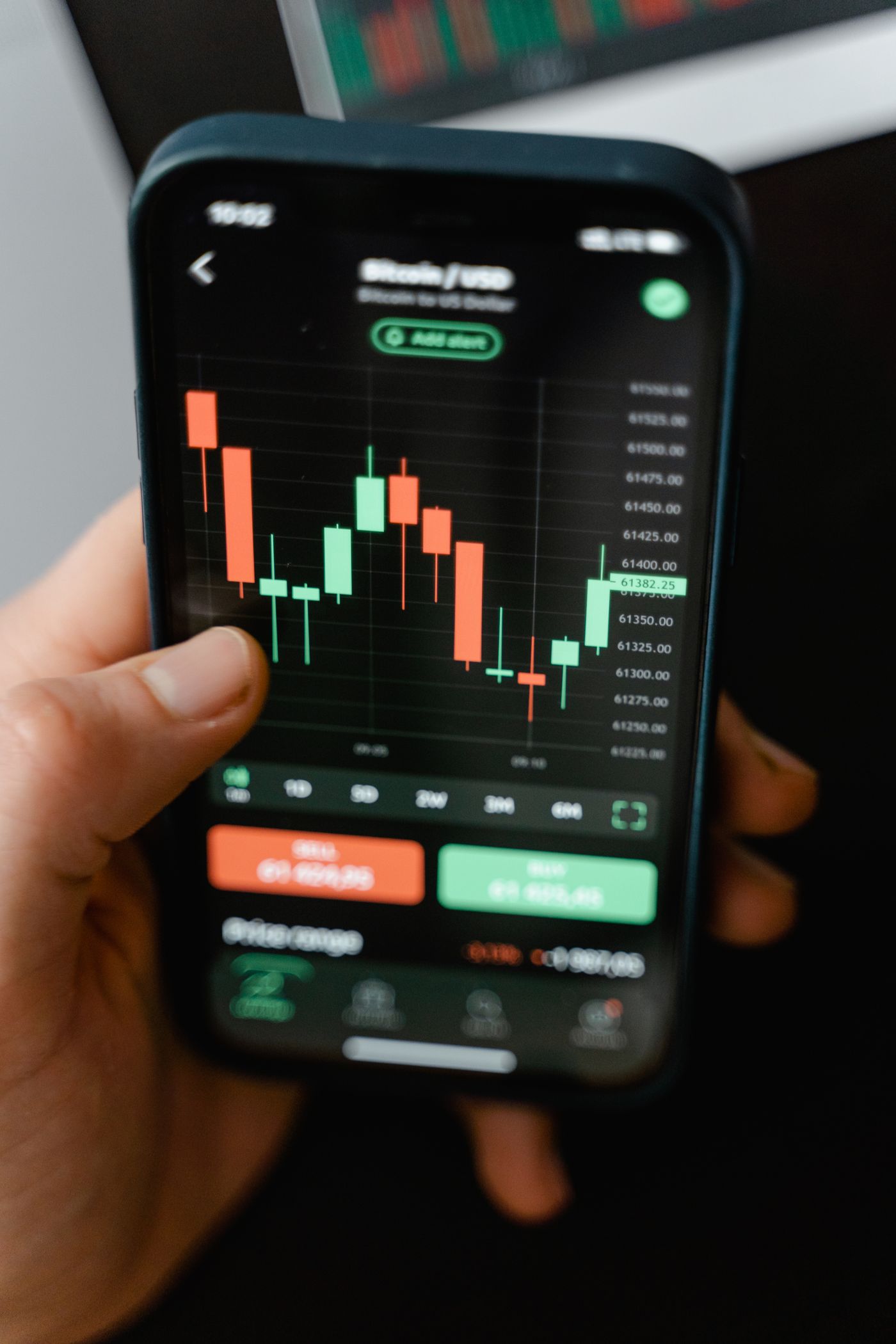
Why Transaction Verification Matters
Your computer or smartphone is normally connected to the internet and may interact with websites, browser extensions, wallet software and decentralized applications. Those components can be exposed to phishing, malicious software, compromised websites or other attacks.
A hardware wallet adds a separate security boundary because the private key used for signing is kept within the device rather than being exposed to the host computer during normal signing.
But protecting the private key and verifying the transaction are different security objectives.
A user can have a properly protected private key and still authorize a transaction that sends funds to the wrong address, grants an unwanted token approval or performs an action they did not intend.
What Should You Check Before Signing?
The information available on the hardware wallet depends on the blockchain, transaction type, device, firmware and wallet software. A basic cryptocurrency transfer should nevertheless trigger several checks.
Recipient
Check the destination information shown on the hardware wallet against the recipient you intended to use.
Amount
Confirm the exact amount of the asset being transferred before approving the transaction.
Network
Make sure the transaction is being performed on the intended blockchain network.
Fee
Review the displayed network fee and make sure it is consistent with the transaction you are trying to make.
How to Safely Approve a Crypto Transaction
The safest workflow is deliberately slower than simply clicking a confirmation button. The objective is to create a verification point between preparing the transaction and authorizing it with the private key.
Prepare the Transaction
Create the transaction through your wallet software or trusted application. Do not approve it automatically when a confirmation window appears.
Connect the Hardware Wallet
Allow the transaction details to be transferred to the hardware wallet so the device can present the information it supports for verification.
Read the Device Screen
Look at the hardware wallet itself. Do not assume that the information shown on your computer or phone is identical to what you are authorizing.
Compare the Details
Check the recipient, amount, asset, network, fee and any additional transaction information presented by the device.
Stop at Any Mismatch
If something differs from what you intended, reject the transaction instead of trying to explain the discrepancy away.
Approve Only When Clear
Sign only after you understand the transaction and are satisfied that it matches your intended action.

Why the Hardware Wallet Display Matters
The dedicated display of a hardware wallet is an important part of its security model. It gives the user an opportunity to inspect transaction information on the device that holds the signing keys.
This matters because the host computer may be running untrusted software. A malicious browser extension, compromised website or malware could potentially alter information before it reaches the signing stage.
The hardware wallet can therefore act as an additional verification checkpoint. However, this protection is only useful if the information displayed by the device is actually checked.
Hardware Wallet Security Has Two Separate Layers
It helps to think about transaction security as two related but separate problems.
Key Protection
The device is designed to protect the private keys used to authorize transactions and prevent those keys from being directly exposed to the host computer.
Transaction Verification
The user must determine whether the transaction being signed actually matches their intended action.
A strong security setup requires attention to both. Protecting a private key does not prevent the legitimate owner from accidentally signing a malicious transaction.
What Is Blind Signing?
Blind signing generally refers to approving a transaction or message when the user cannot meaningfully interpret all of the information being signed.
Depending on the blockchain and wallet implementation, the device may display raw data, hexadecimal values, hashes or generic information rather than a human-readable explanation of the requested action.
That creates a verification limitation. If you cannot determine what an action will do, you cannot reliably compare it with your original intention.
This is particularly relevant to smart-contract interactions, where a single transaction can represent a more complex operation than a simple transfer between two addresses.
What Is Clear Signing?
Clear Signing is an approach intended to make transaction information easier for a user to interpret before signing.
Where supported, compatible wallet software and hardware can translate supported transaction information into human-readable details such as an action, asset, amount or destination instead of presenting only raw data.
This can substantially improve the user's ability to detect a transaction that does not match their intention.
However, Clear Signing is not universal. Support depends on the blockchain, transaction format, wallet software, hardware model and the specific application or smart contract involved.
Clear Signing vs. Blind Signing
| Aspect | Clear Signing | Blind Signing |
|---|---|---|
| Information | Human-readable information may be available when supported | Information may be raw or difficult to interpret |
| Verification | Easier to compare the action with your intention | More difficult when the transaction cannot be interpreted |
| Smart contracts | Supported contract actions can be decoded | Unsupported actions may require signing less-readable data |
| User awareness | Provides greater visibility before approval | Leaves more uncertainty about what is being authorized |
Smart Contracts Require Extra Attention
A cryptocurrency transfer and a smart-contract interaction are not necessarily equivalent from a security perspective.
A basic transfer usually has a relatively straightforward purpose: move a specific asset from one address to another.
A smart contract can request a more complicated action. Depending on the application, this could involve a token approval, a swap, an NFT operation, a staking action or another permission.
The important question is therefore not simply: "Am I sending cryptocurrency?"
You should also ask: "What authority or action am I giving this contract?"
- Confirm that you are using the intended decentralized application.
- Check the website domain before connecting your wallet.
- Understand why the application needs the transaction.
- Review the information shown on the hardware wallet.
- Pay particular attention to token approvals and permissions.
- Be cautious when a transaction contains information you cannot interpret.
- Reject unexpected requests rather than signing first and investigating later.
Can Malware Change a Crypto Transaction?
Malware can interfere with the software environment used to prepare a transaction. One example is clipboard manipulation, where malicious software attempts to replace a copied cryptocurrency address with another address.
This is why copying an address and assuming that it remained unchanged is not sufficient for an important transfer.
A hardware wallet can provide another opportunity to detect the problem if the destination displayed on the device differs from the address you intended.
Address Poisoning and Look-Alike Addresses
Another risk is address poisoning, where an attacker attempts to make an address appear familiar by exploiting the way users recognize addresses from transaction history.
A cryptocurrency address may be difficult to memorize in its entirety, so users sometimes rely on only a few characters at the beginning or end.
That behavior can create an opportunity for an attacker to use a visually similar address.
For significant transactions, do not select a recipient solely because it looks familiar in your transaction history. Verify the destination using a trusted source and check the information presented by your hardware wallet.
When Should You Reject a Transaction?
Wrong Recipient
The destination shown by the hardware wallet does not match the recipient you intended to pay.
Wrong Amount
The amount displayed by the device differs from the amount you intended to send.
Unexpected Permission
A decentralized application requests an approval or permission that you did not expect.
Unknown Action
You cannot explain what the transaction will do after you approve it.
Do Not Sign Under Pressure
Social engineering frequently relies on urgency. A scammer may claim that an account will be suspended, a reward is about to expire, a transaction must be confirmed immediately or a security problem requires an instant signature.
None of those claims should override your normal verification process.
If a website or person is pressuring you to sign, stop and investigate independently. Close the suspicious interface and navigate to the official service yourself rather than following a link supplied during the interaction.
Should You Use a Small Test Transaction?
When sending cryptocurrency to a new destination, a small test transaction can be a useful additional risk-control measure before moving a larger amount.
It can help confirm that the recipient address, network and operational process are correct.
However, a test transaction does not replace transaction verification. If malware or a malicious application changes the destination, sending a small amount first does not automatically make the larger transaction safe.
For larger transfers, use both measures: verify the transaction carefully and, when appropriate, consider a smaller preliminary transfer.
Crypto Transaction Security Checklist
- Use the official wallet application or a trusted compatible interface.
- Check the website domain before connecting your hardware wallet.
- Verify the recipient information on the hardware wallet.
- Verify the amount before signing.
- Confirm the intended blockchain network.
- Review the transaction fee.
- Understand what a smart contract interaction is requesting.
- Be cautious with token approvals and permissions.
- Avoid blind signing when you cannot understand the transaction.
- Reject unexpected wallet requests.
- Never enter your recovery phrase into a website.
- Never give remote access to someone claiming to be wallet support.
- Stop immediately if the device display does not match your intention.
What If the Hardware Wallet Shows Different Information?
Do not sign the transaction.
If the recipient, amount or transaction action displayed on the hardware wallet differs from what you expected, treat the mismatch as a security warning until you understand its cause.
There can sometimes be legitimate differences caused by transaction formatting, fees, network behavior or the way a particular wallet application represents information. But the correct response to an unexplained mismatch is investigation, not blind confirmation.
Reject the Transaction
Cancel or reject the signing request rather than authorizing something you do not understand.
Disconnect From Suspicious Sites
If the transaction originated from an unfamiliar or suspicious website, stop interacting with that site.
Verify Independently
Use official documentation or a trusted wallet interface to determine what should have appeared on the device.
Investigate Before Retrying
Do not repeatedly approve the transaction in the hope that a different result will appear.
What If You Already Approved a Suspicious Transaction?
If you believe that you have already signed a malicious transaction or smart contract interaction, stop interacting with the suspicious website immediately.
Record the transaction hash and review it using a trusted blockchain explorer. The exact response depends on what you signed and which blockchain or protocol was involved.
For example, some token approvals may be revocable, while a completed transfer of cryptocurrency may not be reversible through the blockchain itself.
If remaining assets may still be exposed to a malicious approval or compromised wallet configuration, consider the appropriate emergency response before making additional transactions.
The situation becomes significantly more serious if your recovery phrase may have been exposed. A hardware wallet's physical security does not compensate for a recovery phrase that an attacker can use to restore the wallet elsewhere.
For more information about protecting the recovery phrase itself, see our Seed Phrase Security: The Complete Guide .
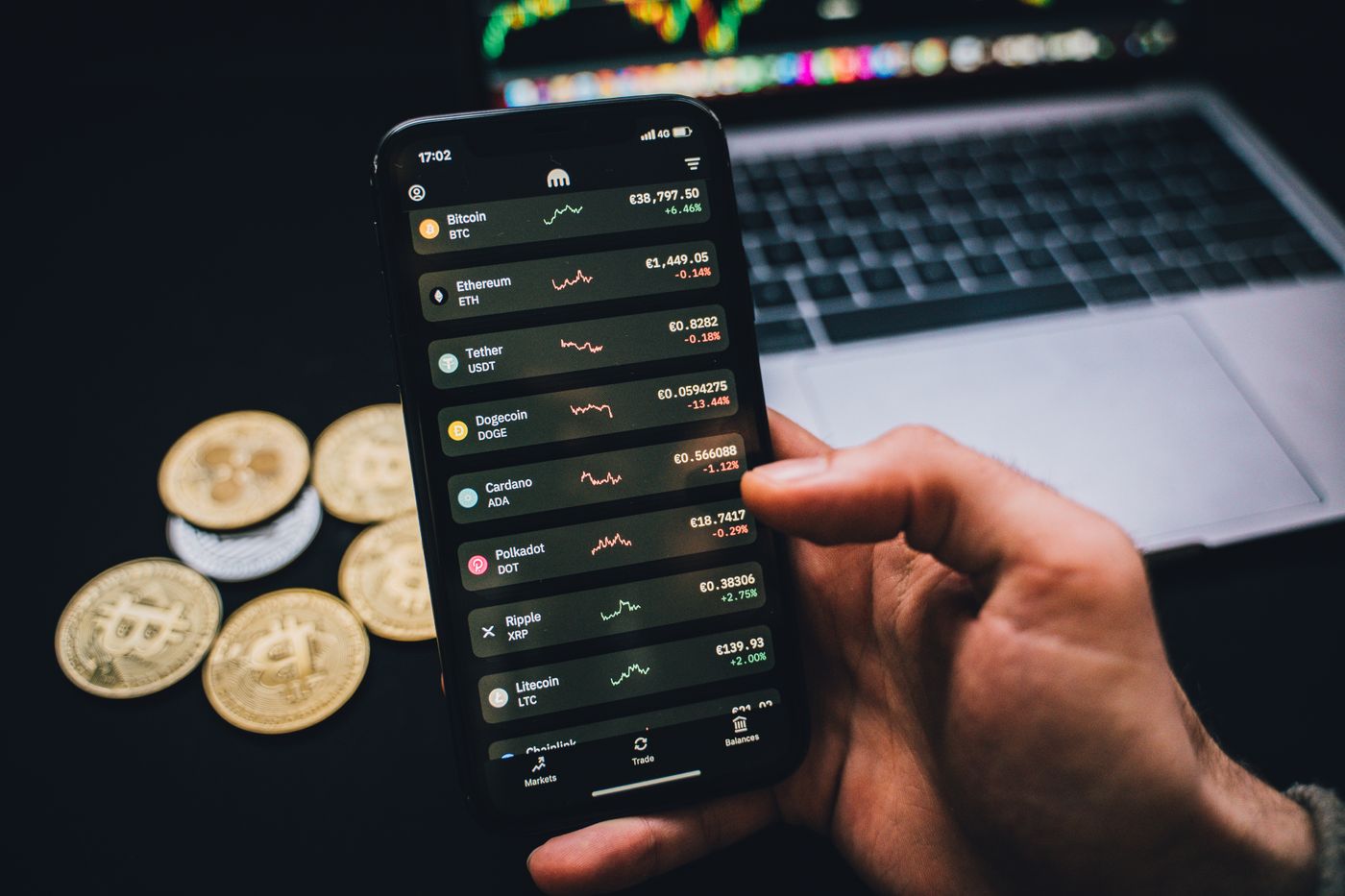
Hardware Wallets Reduce Risk, But They Do Not Remove It
A hardware wallet should be viewed as one component of a broader security model, not as a guarantee that every transaction will be safe.
Its main purpose is to protect the private keys used for authorization and provide a controlled environment in which transactions can be reviewed and signed.
The user still has to make the critical decision: is this the transaction I actually want to authorize?
That distinction is particularly important with decentralized finance, token approvals and unfamiliar smart contracts.
Clear Signing Is Helpful, But It Is Not a Guarantee
Human-readable transaction information makes verification easier, but users should not interpret Clear Signing as a guarantee that an interaction is safe.
A legitimate-looking transaction can still have an economic consequence that the user does not understand. For example, an approval may grant a contract permission to interact with tokens, while a swap may involve slippage, fees or other protocol conditions.
Clear Signing addresses an important information problem: making supported transaction data easier to inspect.
It does not replace understanding the application, contract and financial action being authorized.
What Information Can You Trust?
The strongest verification workflow uses multiple independent signals rather than trusting one interface.
| Information Source | How to Use It | Risk |
|---|---|---|
| Website | Use it to prepare the transaction | May be compromised or fraudulent |
| Computer or phone | Use it as the transaction interface | Host environment can be compromised |
| Hardware wallet | Use it as a critical signing checkpoint | Only displays information supported by the device |
| Independent verification | Confirm recipient, contract or protocol through trusted sources | Requires additional effort but reduces single-source reliance |
A Safer Transaction Routine
You do not need to memorize every possible blockchain attack. A repeatable verification routine is more useful than relying on memory when you are under pressure.
1. Identify the Action
Ask yourself whether you are sending funds, receiving funds, swapping assets, approving a token, signing a message or interacting with another contract.
2. Verify the Application
Confirm that the website or application is the one you actually intended to use. Do not rely solely on advertisements, search results or links sent through messages.
3. Inspect the Device
Read the hardware-wallet display and compare the information with your intended transaction.
4. Question Anything Unexpected
If the transaction requests an unfamiliar approval, permission or action, stop until you understand why it is required.
5. Sign Deliberately
Approve only after completing the verification process. Do not treat the physical confirmation button as a routine "continue" button.
Five Questions to Ask Before You Sign
- Who am I sending to? Verify the destination.
- What am I sending? Confirm the asset and amount.
- Which network am I using? Check the intended blockchain.
- What am I authorizing? Pay particular attention to smart contracts and approvals.
- Can I explain this transaction? If not, stop before signing.
Common Transaction-Security Mistakes
Trusting the Website
A website can prepare a transaction, but its claims should not replace verification on the hardware wallet.
Skipping the Device Screen
Repeatedly pressing confirm without reading the device removes one of the most important verification opportunities.
Ignoring Smart-Contract Permissions
An approval can represent a permission rather than a simple transfer. Understand what authority you are granting.
Signing Because of Urgency
Pressure is a common social-engineering technique. Slow down and verify the request independently.
How Transaction Verification Fits Into Crypto Security
Transaction verification is only one part of a secure self-custody setup. Recovery-phrase protection, device security, software hygiene and phishing resistance are equally important.
For example, verifying every transaction correctly does not protect a wallet if its recovery phrase has been photographed and uploaded to the cloud.
Likewise, a well-protected recovery phrase does not prevent a user from voluntarily signing a malicious smart-contract transaction.
The strongest approach is therefore layered: protect the keys, protect the backup, verify the software, verify the transaction and understand the action being authorized.
Frequently Asked Questions
Does a hardware wallet automatically make transactions safe?
No. A hardware wallet is designed to protect private keys and provide a secure signing environment, but the user can still approve an unwanted transaction.
Should I trust the transaction shown on my computer?
Do not rely exclusively on the computer or phone. When the hardware wallet supports the relevant information, use its display as an important verification checkpoint before signing.
What should I do if the hardware wallet shows a different address?
Reject the transaction. Investigate why the information differs before attempting to sign again.
Is blind signing always dangerous?
Blind signing creates an important verification limitation because you may not be able to understand the full action being authorized. Avoid it when you cannot determine what the transaction does.
Does Clear Signing guarantee that a transaction is safe?
No. Clear Signing can make supported transaction information easier to understand, but it does not guarantee that the application, contract or financial action is safe or appropriate.
Should I enter my recovery phrase to fix a transaction problem?
No. Never enter your recovery phrase into a website, support chat, online checker or other service merely because somebody claims it is required to resolve a transaction problem.
Can I reverse a cryptocurrency transaction after signing it?
Usually, confirmed blockchain transfers cannot simply be reversed by the sender. The available response depends on the blockchain and transaction type, which is why verification before signing is so important.
Sources and Further Reading
For hardware-wallet security and transaction-verification principles, consult the official documentation from the manufacturers rather than relying on third-party claims.